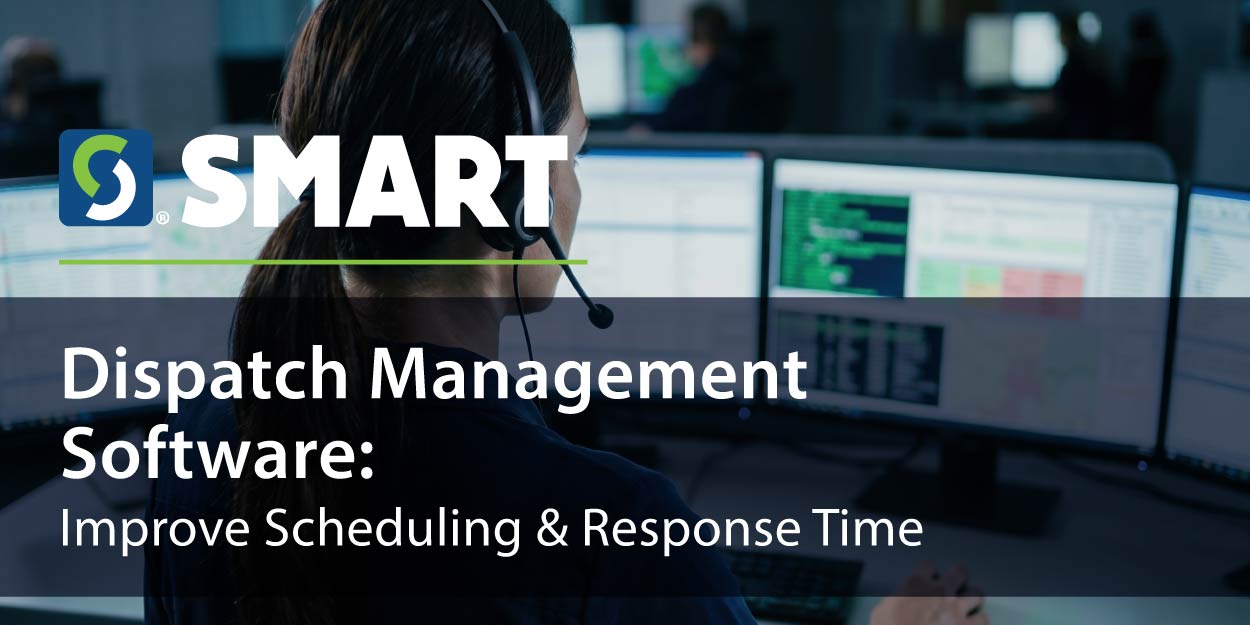
An ATM goes offline halfway through the morning route. The closest technician is already on a call, another has the right replacement part, and the customer wants an ETA. How quickly your dispatcher can see all three details shapes the rest of the day.
What Is Dispatch Management Software?
Dispatch management software gives businesses one place to schedule, assign, and monitor field technicians. It replaces scheduling across spreadsheets, whiteboards, and phone calls with automated workflows that connect customer requests, work orders, technician assignments, and completed service.
The Dispatch Workflow Explained
When a customer requests service, the office creates a work order, schedules a technician, and adds the stop to an efficient route. The dispatcher sends the assignment and can adjust it in real time as priorities change. The technician records the outcome, the customer gets a status update, and managers review the service record for reporting and follow-up.
A missed handoff can leave a customer waiting, cost a technician a return trip, and cut into the margin on the job.
Signs Your Business Has Outgrown Manual Dispatching
Double bookings, last-minute conflicts, missed appointments, and too much windshield time can all point to a scheduling problem. When the office has to call around to find out where technicians are, emergency requests take longer to assign and customers wait longer for updates. Each new technician, vehicle, customer, or service territory adds another variable to coordinate.
How Automated Dispatching Improves Field Service Operations
Automated dispatching can assign jobs based on availability, group nearby stops, and send appointment confirmations and reminders. When an urgent request comes in, dispatchers can check current workloads, reassign a stop, and share the revised schedule with technicians in real time. That means fewer calls to coordinate changes and a faster response for the customer.
Key Features to Look for in Dispatch Management Software
Prioritize technician scheduling, route optimization, GPS visibility, and integrated work orders. Look for mobile access, live job statuses, customer communication tools, automated notifications, and reporting. CRM and inventory integrations keep customer history and parts availability accessible as you add technicians and expand into new territories.
How SMART Software Supports Dispatch Management
Built for route-based businesses, SMART Software brings Route Management, Route Optimization, and Work Order Management together. SMART Mobile lets technicians view assignments and update jobs in the field, while SMART Portal organizes service requests and customer communications. Critical Incident Alerts flag urgent issues, Inventory Management tracks parts, and comprehensive reporting and analytics give managers visibility into service activity.
Benefits of Modern Dispatch Management Software
Track response times, jobs completed per day, drive time, fuel costs, technician utilization, and first-time fix rates. Fewer miles and repeat visits lower the cost of each job and free up capacity for more service calls. Reliable arrival windows and timely updates can also improve customer satisfaction and help retain accounts as your business grows.
See How SMART Software Simplifies Dispatch Management
Schedule a free demo to see how SMART Software helps your team automate technician scheduling, optimize routes, and keep customers informed from one platform. Explore SMART Software
Comments are closed.